Work on a draft with others
Several model authors can open the same draft. Each save checks the version it was based on, so an older edit cannot silently replace a newer one. See The model editor.
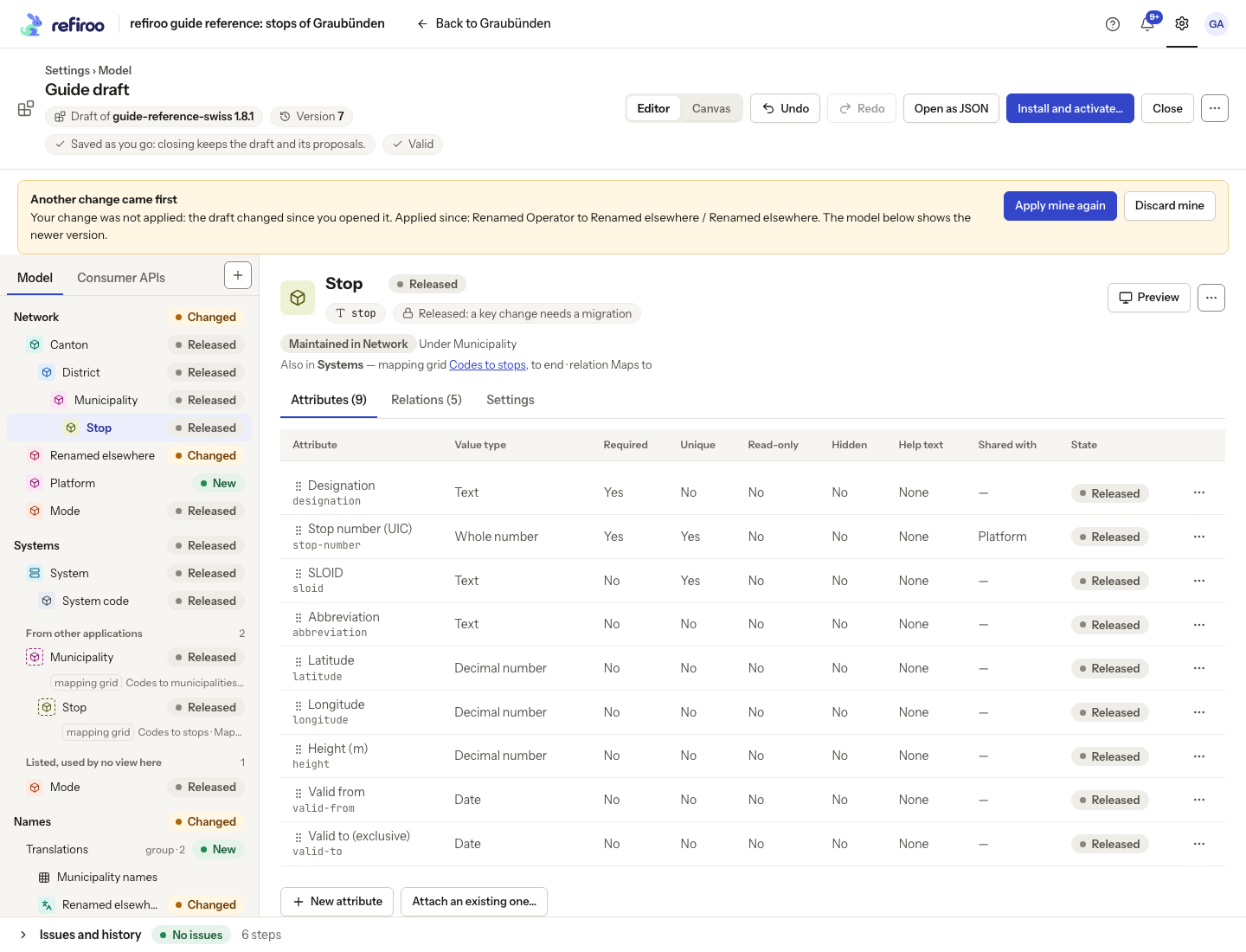
- When Another change came first appears, stop repeating the original action. Your change was not applied. The notice lists steps applied since you opened the draft, and the model beneath it shows the newer version. A rename names both the old and new name, so you can identify the definition before deciding whether to retry.
- Read those steps and inspect the affected definitions. Check whether your intended change is still needed and whether its target still means the same thing.
- Choose Apply mine again to try your change against that version, or Discard mine to leave it out. A further edit by someone else can refuse the retry too; review again.
- Open History to confirm the saved result and Issues to check its validity.
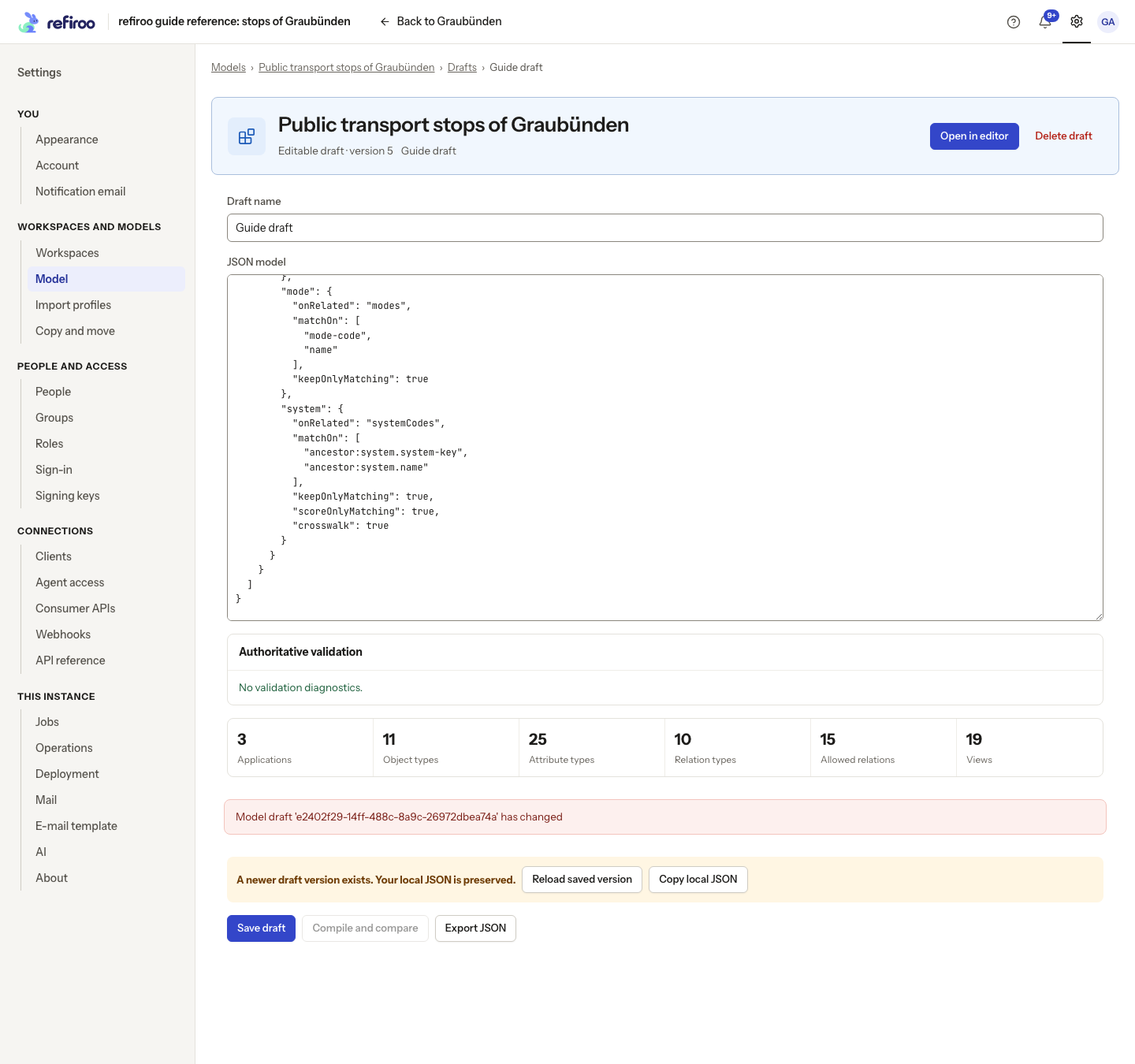
In the specialist JSON view, A newer draft version exists preserves your local text. Choose Copy local JSON before Reload saved version if you need that text. Reloading reads the saved draft; it does not merge your local text into it. Review and reapply only the changes still needed, then save against the current version.