

Delete a model mapping
Delete a saved mapping when you no longer need its conversion choices. You need Copy and move access. This removes its saved editing history and proposals too. Read Model mappings before deleting one still used by other people.
- Open Settings, Workspaces and models, Copy and move. Find the mapping under Mappings; check From model, To model, Version and Updated.
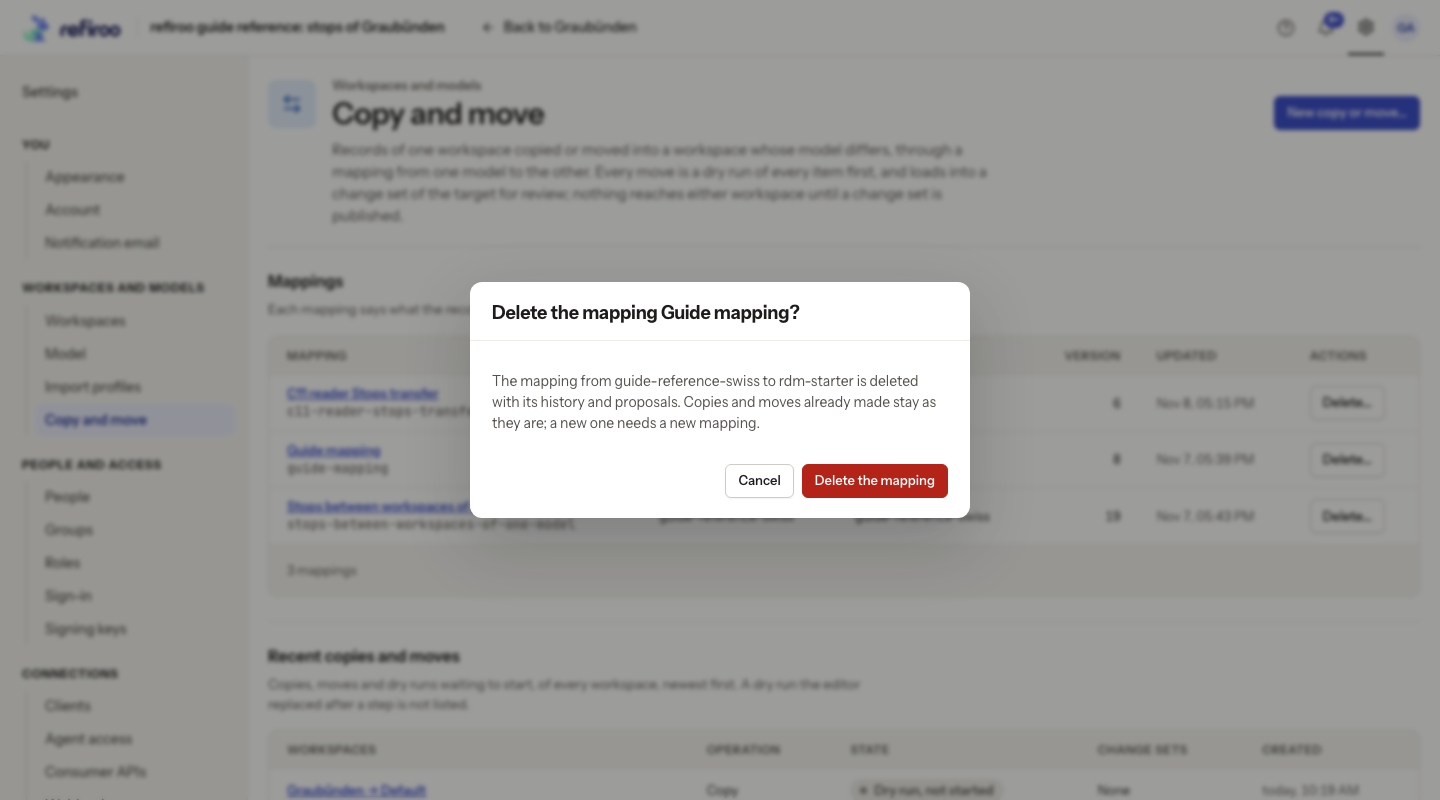
- Choose its Delete…. The confirmation asks Delete the mapping …? and names both models.
- Read the warning: copies and moves already made remain; new work needs a new mapping. Choose Cancel to keep it, or Delete the mapping to remove it. There is no Undo here.
- Wait for the row to disappear. If deletion fails, read the message in the dialog. If another editor changed the mapping, refresh and review its new version before deciding again.
Deleting a mapping does not publish, undo or discard any change set from an earlier copy or move. Review those change sets separately. When the Delete action is absent, ask an access administrator about Copy and move access rather than trying to delete data to remove the mapping.