

Link a provider sign-in to an existing person
Use this task when someone already has an account and their first organisation-provider sign-in created another person. You need Security administration. refiroo never links accounts just because their e-mail addresses match. Read People and groups.
- Confirm the person’s identity through your organisation’s process. Identify the existing account whose roles and history should continue, and the new person created by provider sign-in. Check e-mail addresses and sign-in methods as well as names.
- Open Settings › People and access › People and open the new provider person’s row. Do this before giving that new person a password, direct roles or local group memberships; those additions make linking unsafe and are refused.
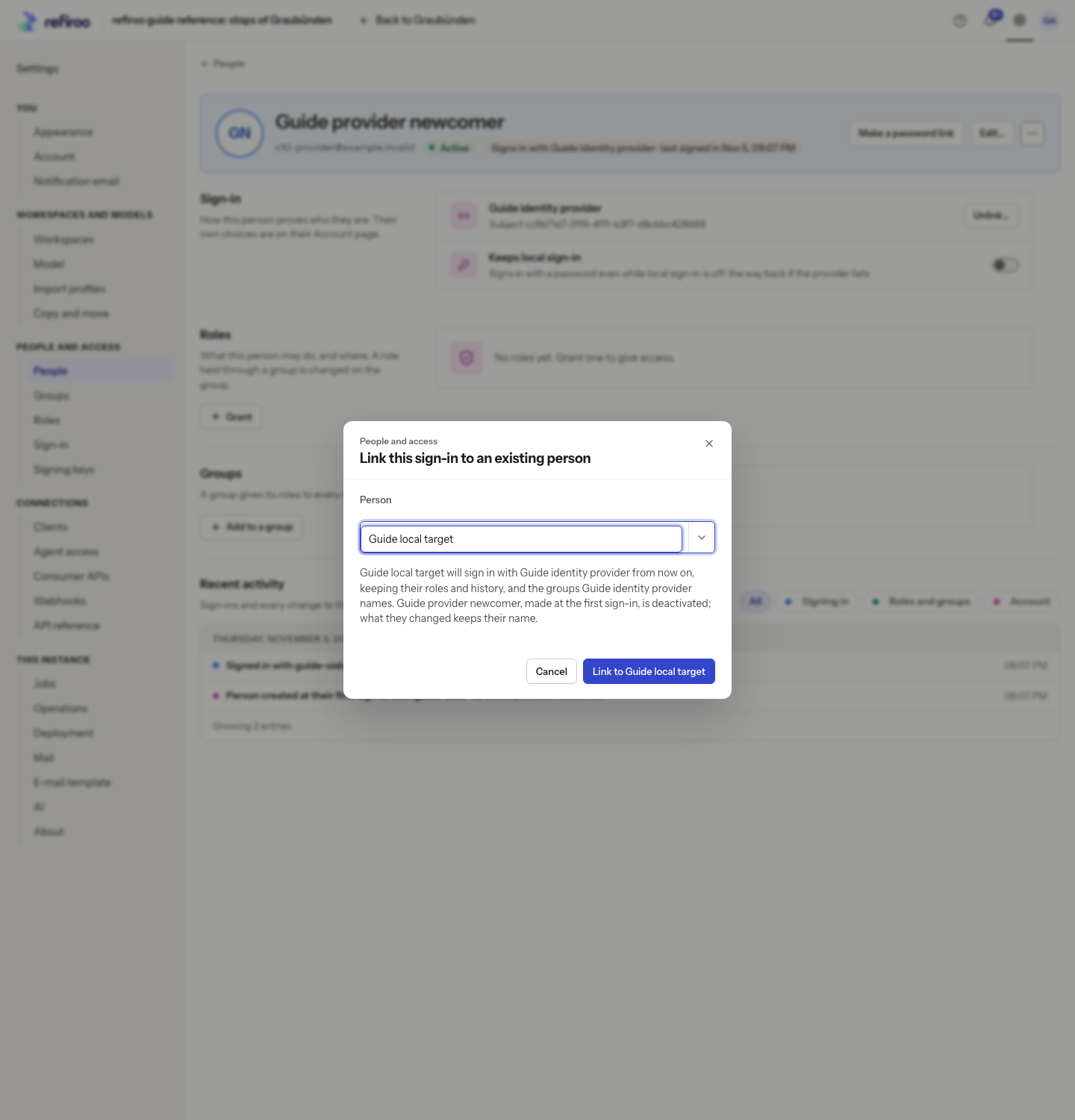
- Choose More actions › Link to an existing person…. In Link this sign-in to an existing person, search Person and select the existing active account. Read the sentence naming what moves and which person remains.
- Choose Link to … with the intended person’s name. Cancel leaves the accounts separate. If Not linked appears, read the reason. Check the target is active and the source has no password, direct roles or local groups; resolve the conflict rather than linking to someone else to bypass it.
- Check the existing person’s Sign-in section and groups. The provider identities and provider memberships move to this person. Their original roles and history continue. The newly created person is deactivated and their sessions end; it is not deleted.
- Ask the person to sign in again through Continue with … and check they reach the existing account and intended workspace. Provider group roles apply alongside direct and local-group roles.
To undo a mistaken provider link, open the remaining person’s Sign-in section and choose Unlink… beside that provider. Read Unlink …? and confirm Unlink only after checking their remaining sign-in route. A later sign-in through that provider creates a separate person again; unlinking does not merge or rewrite history.
Unlinking also removes this provider’s group memberships from the remaining person and ends their sessions started through it. Check direct and local-group access separately. The source person’s earlier history stays under that source person; linking moves sign-in and provider membership, rather than reassigning earlier actions.