

Create a custom role
Use a custom role when the predefined roles do not match a responsibility. You need Security administration. Roles and grants explains what each action group permits and where it applies.
- Open Settings › People and access › Roles. Read the matrix first: each column is a role and each row is an action group. A predefined role cannot be edited or deleted.
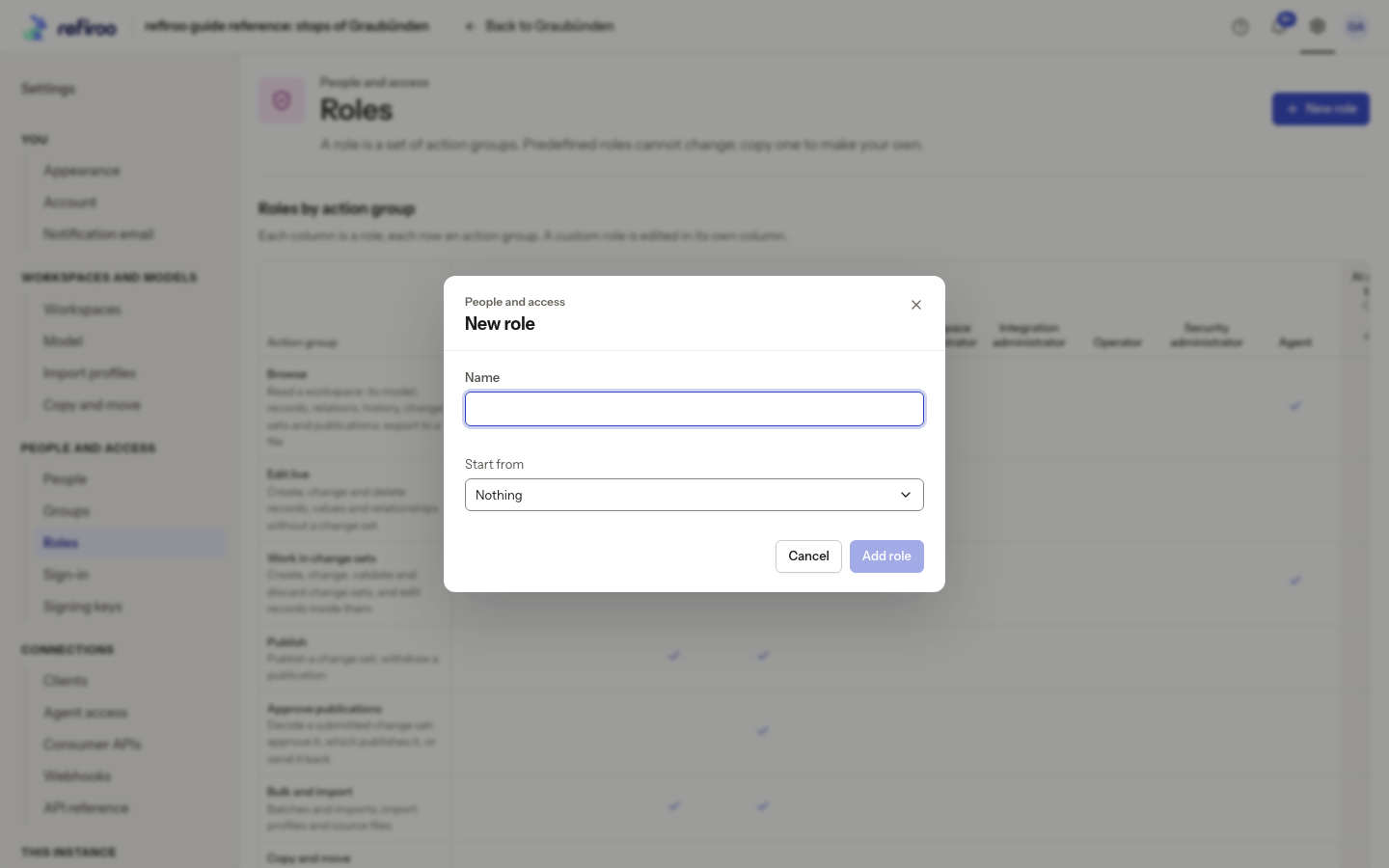
- Choose New role. Enter Name, then choose Start from. Nothing creates an empty role; selecting an existing role copies its action groups. It does not change the source role or keep the two linked.
- Choose Add role. The new role appears in the matrix with its editing controls. If The role was not created appears, correct the stated problem. Cancel closes without creating it.
- Tick the action groups it needs. Set the name and optional description, then choose Save. An empty role permits nothing. Administrative groups do not imply Browse; add Browse only if the responsibility needs workspace data.
- Follow Grant a role to give it to a person, group or client in the intended scope. Roles containing only instance responsibilities must be granted for The whole instance.
- Check the recipient’s effective access, including other direct and group grants. Their own Account › What you can do shows the result. Changes apply on the next request.
To change a custom role later, use its edit control in the matrix, change its action groups and choose Save. This changes access for everyone holding that role. Read The role was not saved before retrying a failure; reload if the role changed meanwhile.
To delete it, remove every grant first. Delete role is unavailable while it is granted. Once unused, choose it and confirm the named deletion. refiroo refuses any role or grant change that would remove the last active Security administrator.